Stereoscopic 3D Glasses Viewer
A Mac app for RayNeo Air 3s Pro AR glasses. See 3D models in true stereoscopic 3D that stays still in the room as you turn your head, watch the spatial videos your iPhone records in 3D, look around inside VR180 and 360-degree videos, and turn any window on your Mac into a big virtual screen: flat, curved, or an IMAX-style dome.
- macOSBuy for $9.99
- WindowsIn testing
- Mac App StoreAvailable now
- Microsoft StoreComing soon
The Mac app is on sale here and on the Mac App Store, the same app either way. The Windows version is being tested on real glasses and becomes a link here, with its Microsoft Store listing, the day it goes live.
- Glasses
- RayNeo Air 3s Pro
- Mac
- macOS 14 Sonoma or later
- Head tracking
- Built in, 500 Hz
- Price
- $9.99, one time
3D models in real stereoscopic 3D
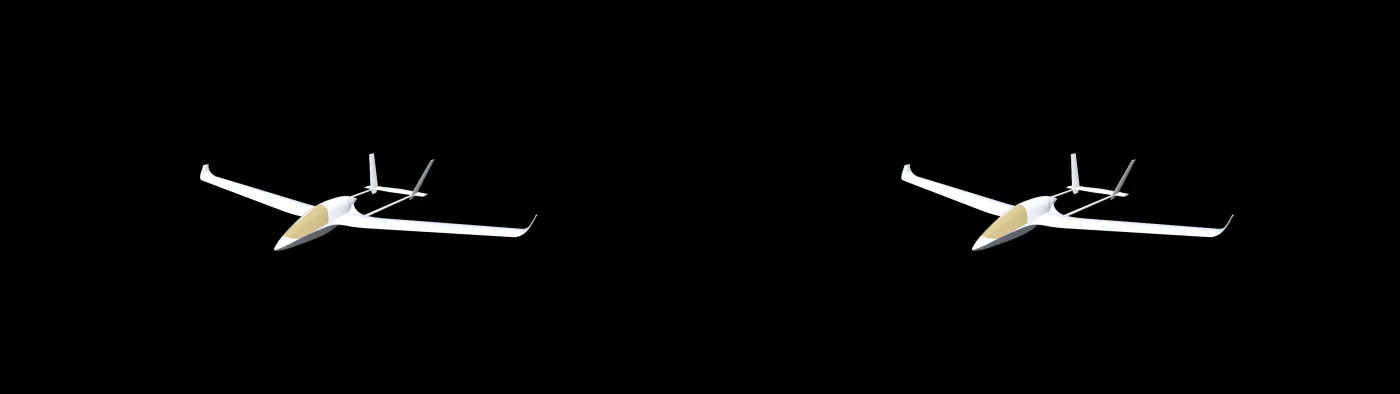
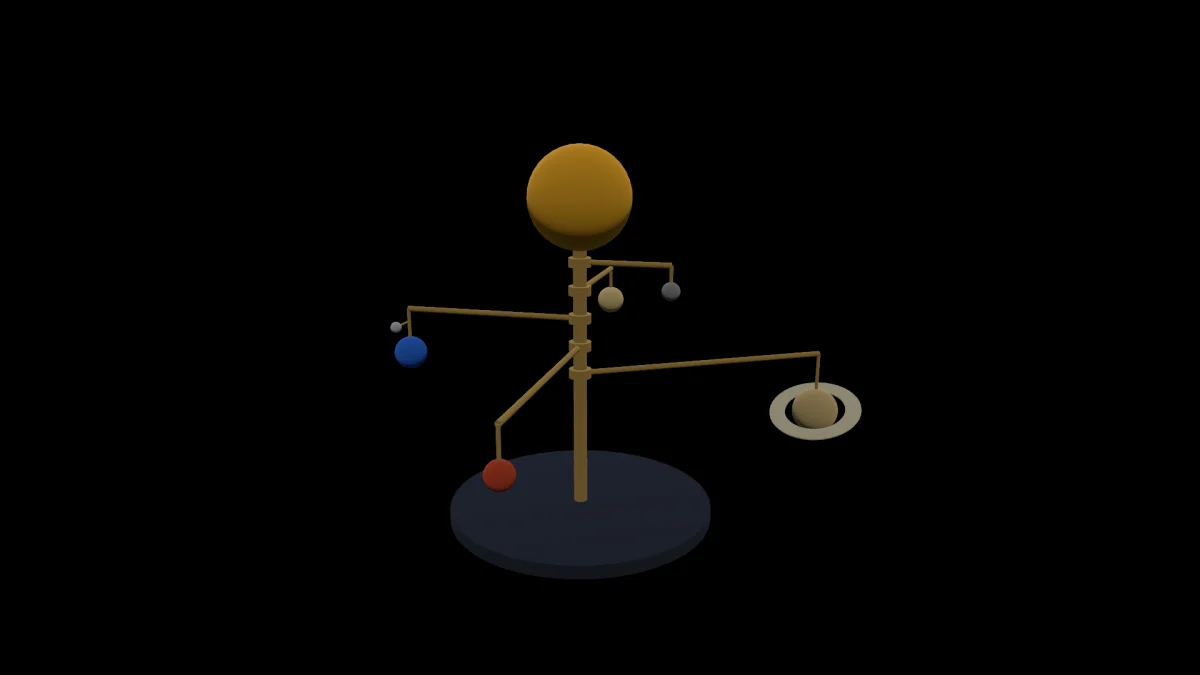
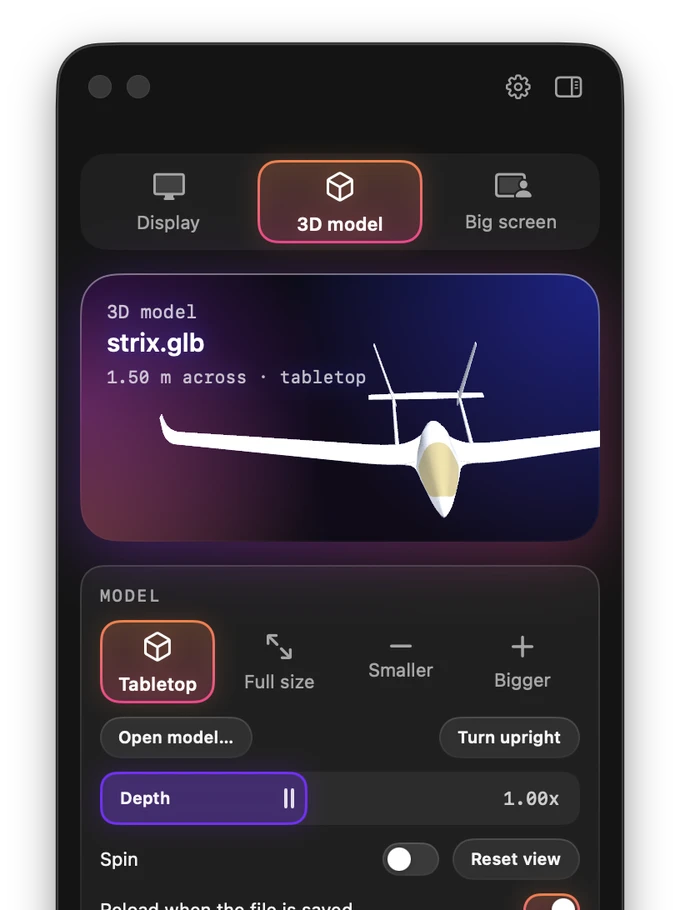
Open a model and each eye gets its own image, drawn side by side at the glasses' full 3840 by 1080 resolution, so it has real depth instead of looking like a flat picture. The glasses' motion sensor turns the view with your head, so the model stays put in the room while you look around it.
- Tabletop or true size. Any model opens at tabletop size. Switch to full size to see it at its real dimensions, then walk around it with WASD like a game.
- Comfortable depth. Eye separation adjusts continuously, so zooming in never splits the image into double vision.
- Your files. Opens GLB, USDZ, STL, OBJ, PLY and Collada. Double-click a .glb in Finder to see it in 3D.
A virtual big screen that stays in the room
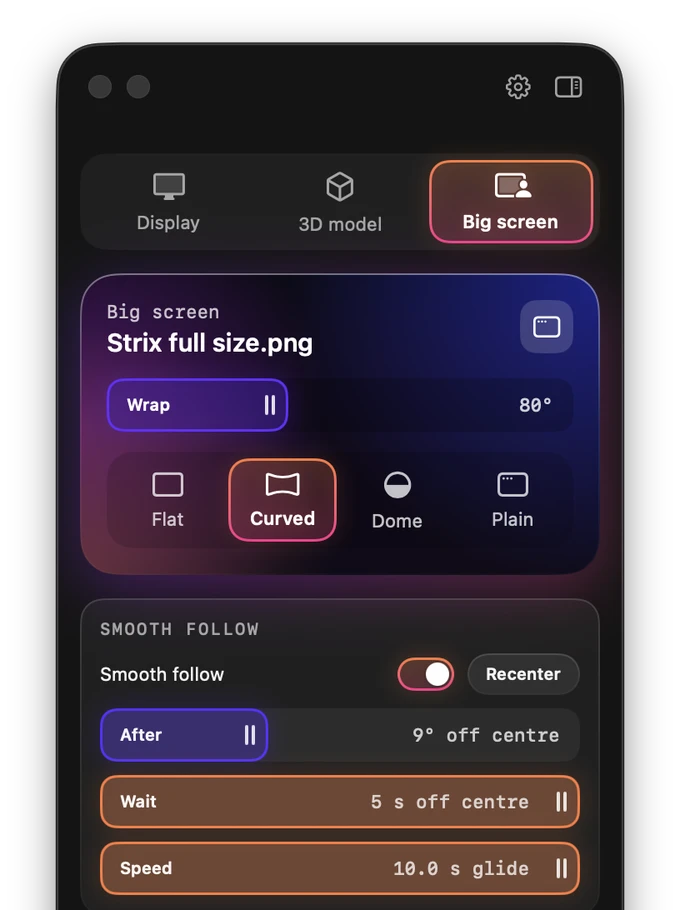
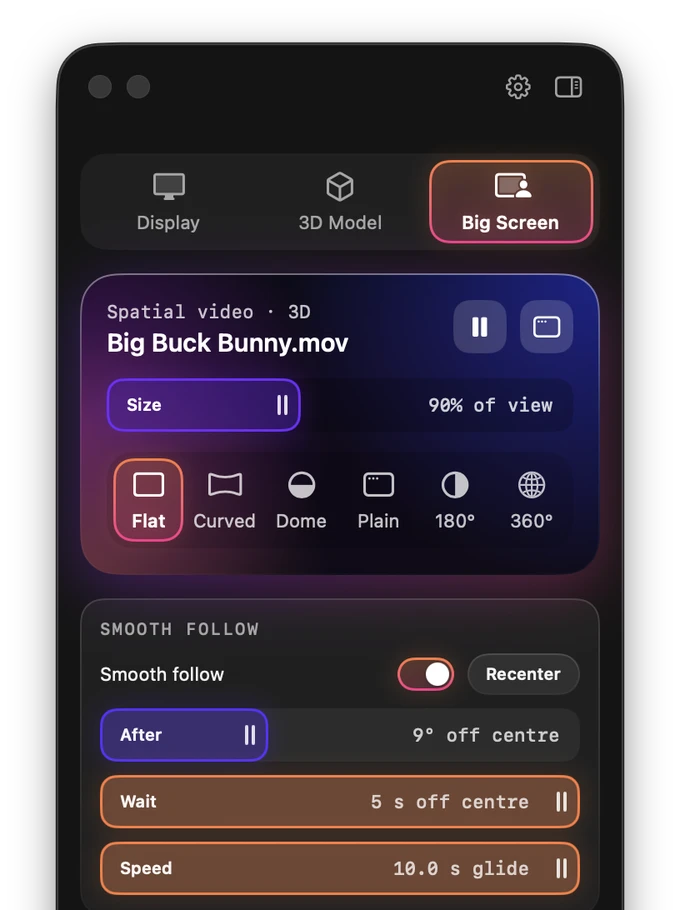
Pick any window, app, or display on your Mac and it becomes a large screen in front of you. Turn your head and it stays where it is, instead of moving with your face the way the glasses do on their own.
- Four shapes. Flat, curved around you, an IMAX-style dome, or plain: fitted to the view like a second monitor.
- Smooth follow. If you settle facing somewhere new, the screen glides back in front of you. You choose how far, how soon, and how fast.
- Sharp and restful. The screen sits at the glasses' own focus distance, so it is as clear as the glasses can show.
- Works with games. Leave the game on your Mac's screen, keep playing with your keyboard and mouse, and watch it on the glasses.
Your iPhone's spatial videos, in 3D
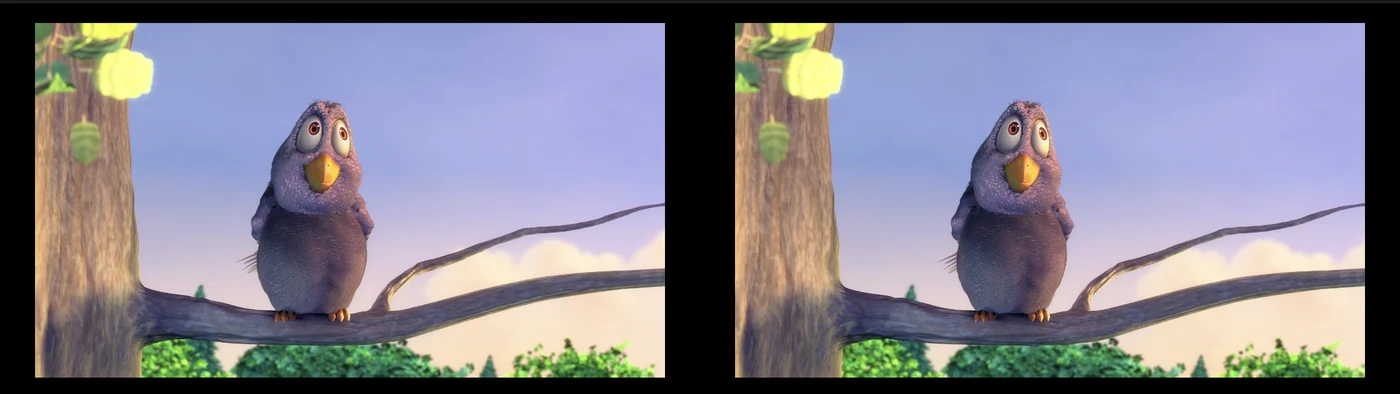
iPhone 15 Pro and later record spatial video: a separate picture for each eye, made for Apple Vision Pro. AirDrop one to your Mac, open it, and it plays in real 3D on the glasses, on a big screen that stays put in the room.
- Spatial video. Both of the iPhone's views are decoded and each eye gets its own, the way the iPhone recorded them. Needs macOS 14.2 or later; on earlier versions it plays in 2D.
- VR180 and 360-degree video. The video wraps around you, half a sphere or the whole thing, and turning your head looks around the scene. 3D VR footage keeps its depth: side-by-side VR180 and top-and-bottom 360 give each eye its own view.
- 3D movies. Side-by-side and top-and-bottom 3D films play in 3D on the big screen, as files or in a shared window, including 3D videos on YouTube.
- No setup. The app recognizes the kind of video from the file itself and its name, and you can change it from the panel if it guesses wrong.

Made for the glasses
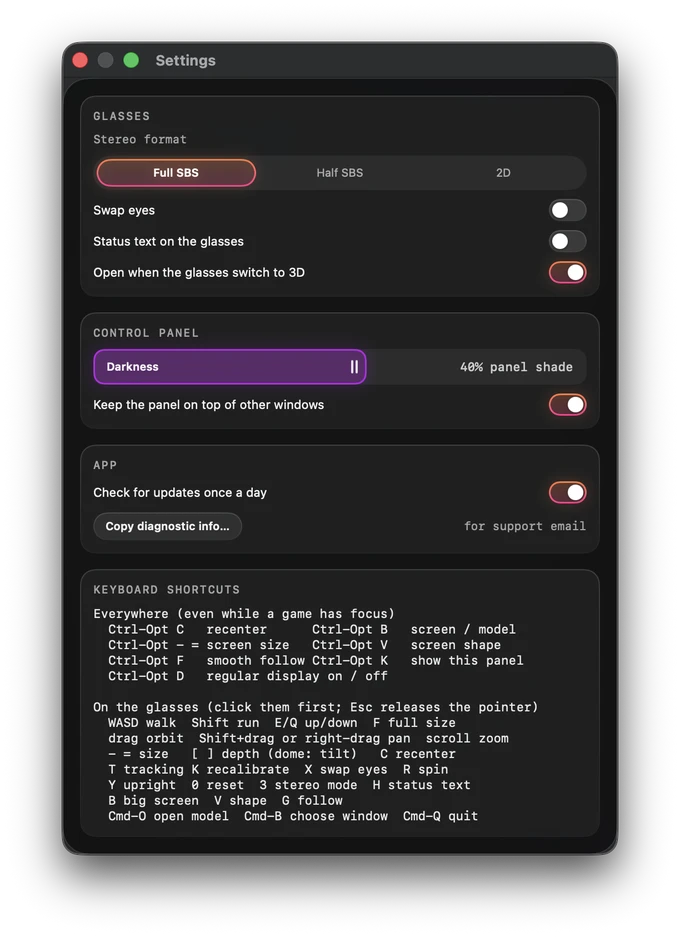
- Opens itself. Press both rocker buttons to switch the glasses to 3D and the app opens. Switch back to 2D and the glasses are a normal display again.
- Controls on your Mac. A small panel on the laptop screen holds every setting, so there is nothing to memorise, and clicking it never takes the keyboard away from a game.
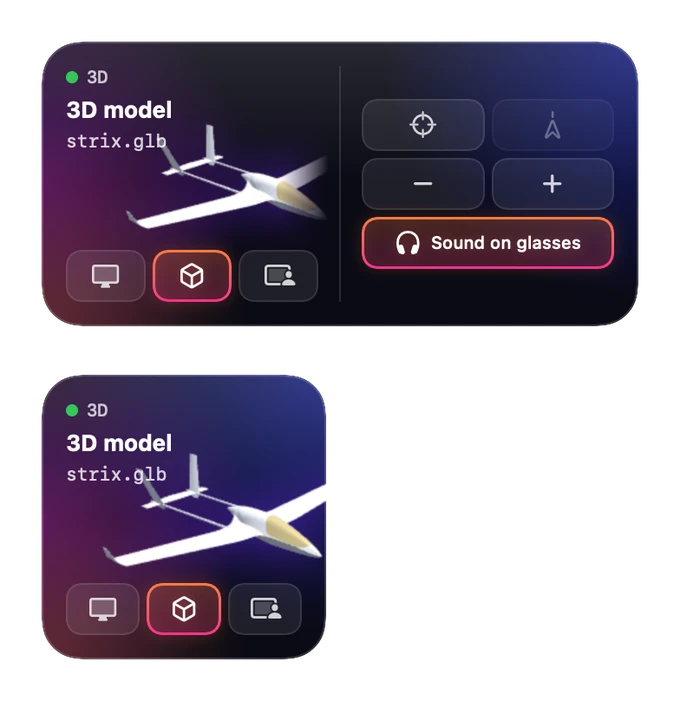
- Sound to the glasses in one click.
- Widgets and Control Center. A desktop widget shows what the glasses are doing, with buttons to switch modes, recenter and resize; Recenter and Big screen can live in Control Center and the menu bar, reachable even over a full-screen game.
- Private. No account and no analytics. The copy from this website fetches one small version file a day to tell you about updates; nothing about you is sent, and you can turn it off. The Mac App Store copy fetches nothing, since the App Store updates it. Screen capture uses macOS's own picker, so the app only sees the window you choose.
Requirements
- Glasses RayNeo Air 3s Pro, connected by USB-C. Other RayNeo models are not tested yet.
- Mac macOS 14 Sonoma or later, Apple silicon or Intel. Spatial video in 3D needs macOS 14.2 or later.
- Permissions Screen recording for the big screen (macOS asks the first time), and a login item that opens the app when the glasses switch to 3D (you can turn it off).
Questions
Does it work with XREAL, VITURE or other glasses?
Not yet. Head tracking and the automatic 3D switch speak the RayNeo Air 3s Pro's own protocol. Other glasses may still show the side-by-side image in their 3D mode, but without head tracking.
Which videos play in 3D?
iPhone spatial videos (iPhone 15 Pro and later), side-by-side and top-and-bottom 3D films, and 3D VR180 and 360-degree videos, as .mov, .mp4 or .m4v files. A browser or video app playing a 3D video can be shared as the big screen too. 360-degree videos playing inside a web page show as a flat window, because the page only draws the part you are looking at; download the file where the site allows it.
Can I play games in 3D?
The big screen shows a game on a large screen fixed in the room, in 2D. Making a game itself render in 3D has to happen in the game.
Can it correct for my prescription?
No software can: focus is set by the glasses' lenses. Use contact lenses or a prescription insert for the glasses.
What if it doesn't work with my setup?
Version 1.0 works well on my own glasses every day, and it has not met every setup yet. Updates are included, and if it does not work with your glasses, email me for a refund within 14 days. Bought it on the Mac App Store? Refunds for those go through Apple.
Not affiliated with or endorsed by RayNeo or TCL. RayNeo and RayNeo Air are trademarks of their owner, named here only to describe compatibility. How it was built | Support | Privacy.